Generative textures
Textures with controllable grain.
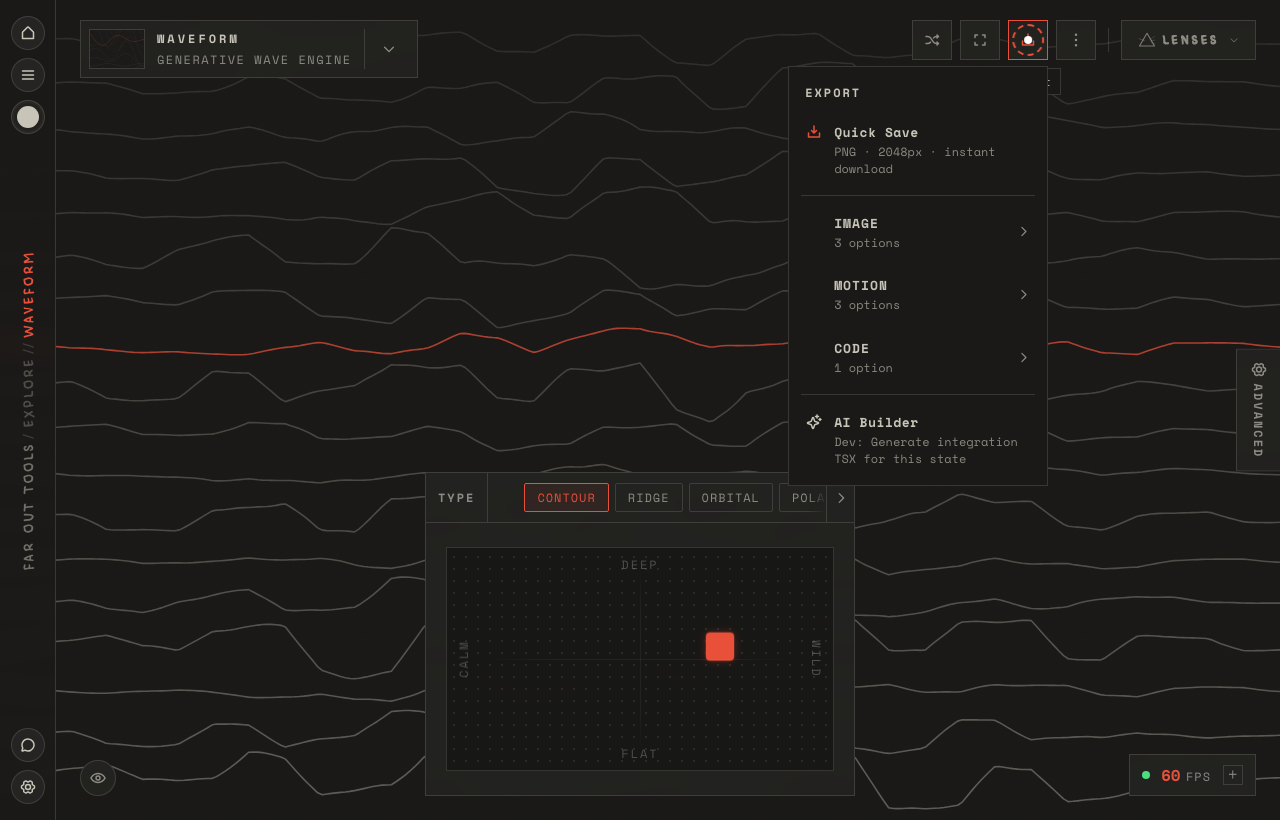
Make stipple, hatch, halftone, field, and shader textures that can become backgrounds, overlays, masks, or finished assets.
Far Out Tools gives texture work explicit controls: seed, topology, scale, density, motion, color, and export format. Keep a texture raw or carry it into Assembly for layering.
Useful for
- Brand texture systems
- Poster grain and overlays
- Product background material
- Motion texture loops
Workflow
- Choose texture structure.
- Tune density, contrast, and scale.
- Export or layer into a composition.